GA4 Checkout Funnel Audit: Find and Fix Measurement Gaps
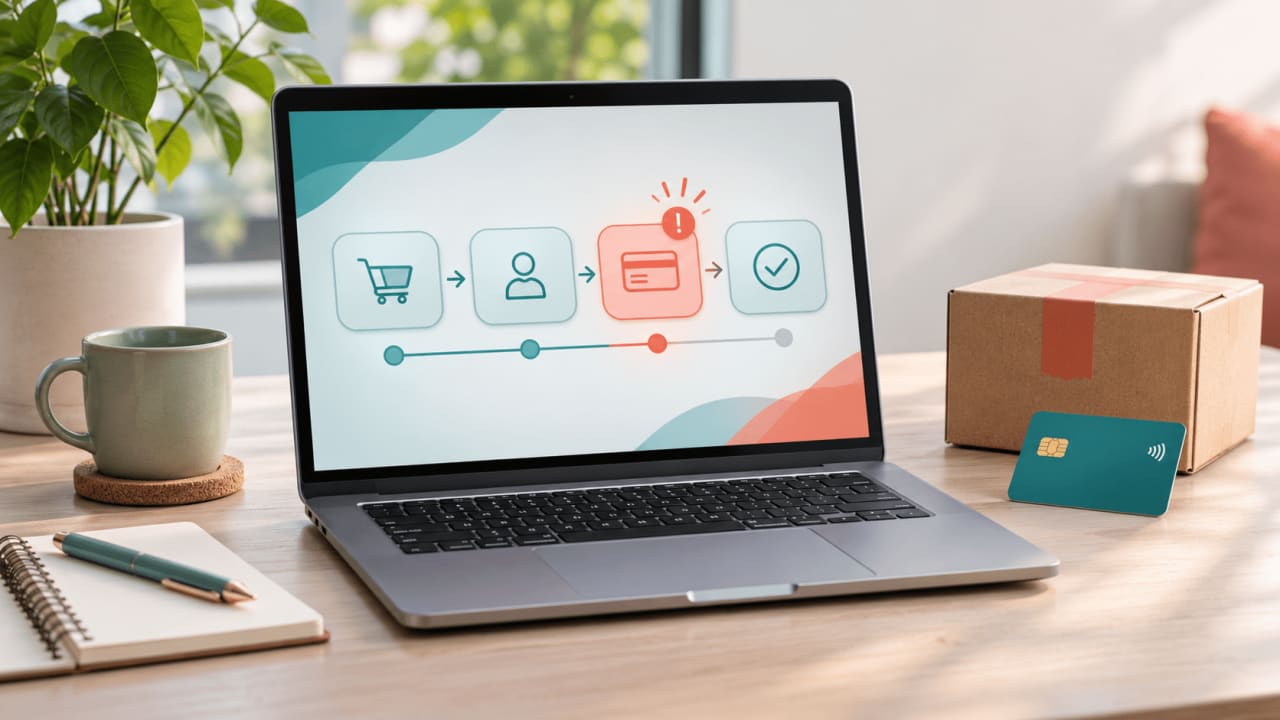
A checkout drop-off is a clue, not a diagnosis. Before changing shipping prices or rebuilding a payment page, make sure the journey is being measured consistently. This guide helps online stores validate a GA4 checkout funnel, find where users leave and turn the evidence into a testable improvement.
Map the real checkout before opening a report
Document the path on mobile and desktop: cart, checkout start, shipping, payment and confirmation. Note guest checkout, express payment, redirects and steps that are skipped or appear in a different order. Assign each meaningful action an owner and a precise trigger. A page view is not automatically proof that a form was submitted.
Google's ecommerce measurement guide describes recommended events and parameters. For a typical funnel, use begin_checkout, add_shipping_info, add_payment_info and purchase when the corresponding actions actually occur. Also consider add_to_cart for the preceding step. Adapt the order to the store, not the example. Express checkout may legitimately bypass a form.
Validate events before interpreting abandonment
Run controlled test orders on representative devices and payment paths. In DebugView, check the event names, timing and item parameters against the action taken. Confirm item identifiers, quantities, value and currency, and a unique transaction ID for each real order. Never send names, email addresses or payment details as analytics parameters.
- Refresh the confirmation page and test a return from the payment provider: a single purchase should not become multiple orders in reporting.
- Check failed, cancelled and successful payments separately. Fire purchase only when the business has defined a confirmed order, not merely when payment is attempted.
- Compare a consistent period with the order system, accounting for time zone, refunds, consent choices and reporting differences. Investigate material gaps rather than expecting a perfect match.
- Check consent behavior and cross-domain configuration where relevant. Do not circumvent a visitor's choice to improve a metric. Our Consent Mode audit covers the measurement controls.
Build a funnel that reflects actual behavior
Start with GA4's Checkout journey report. It is a closed funnel: users enter at begin checkout. If the standard order does not fit the store, build a funnel exploration using the actual event order and record whether it is open or closed and the date range. Treat skipped optional steps and express checkout as separate paths; a missing step is not necessarily an abandoned order.
For example, if 200 users begin and 120 reach the next measured step, the illustrative step drop-off is 40%: (200 - 120) / 200. Use users consistently, not an event count as the denominator. That number locates an investigation; it does not establish why people left or represent all abandoned carts.
Turn a bottleneck into a test
Compare device, browser, traffic source and new versus returning users where data is sufficient and privacy settings permit. A mobile-only decline suggests testing layout, keyboard behavior and errors; a decline after delivery selection suggests reviewing cost, coverage and delivery estimates. Check payment-provider errors and customer support feedback, then observe a few consented usability sessions. These are hypotheses, not conclusions from a funnel alone.
Choose one change, define the affected audience and primary outcome in advance, and compare against a suitable baseline or randomized control when feasible. Track completed orders and revenue alongside the step rate so an apparent improvement does not simply move the problem downstream. Small samples, seasonal campaigns and changes in traffic mix can mislead; document them before declaring a winner.
A practical weekly review
- Confirm event collection and compare purchases with the order system.
- Review the largest meaningful step change by device and checkout path.
- Record the hypothesis, evidence, owner, test and decision date.
- After a release, repeat test orders and monitor the entire journey.
Need help connecting measurement to a better customer experience? Contact Boost iT to discuss an analytics and checkout audit.
Subscribe
Get the latest insights and updates delivered to your inbox.
Want to implement these strategies?
Let's discuss how we can help you achieve similar results.