Google Business Profile Holiday Hours: A Practical Audit
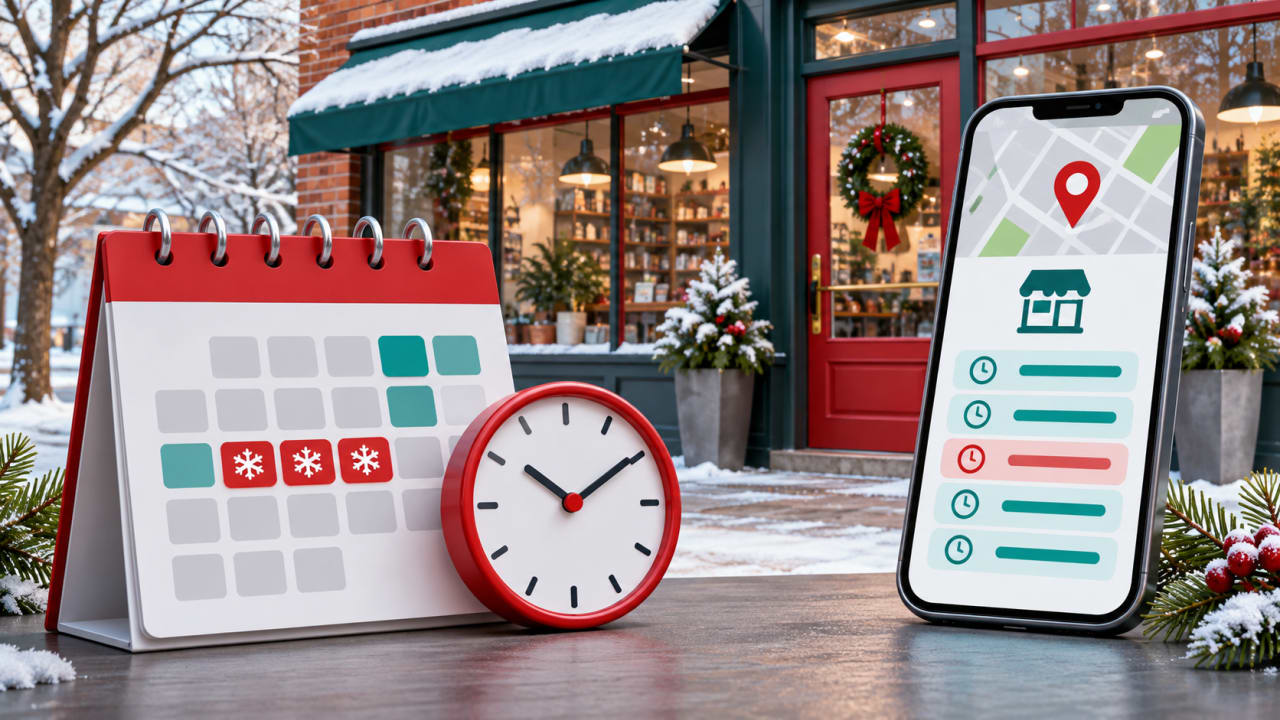
A customer checks Google before visiting, but holiday hours have changed and the listing still shows the normal schedule. A few minutes of preparation can prevent a wasted trip and give staff one reliable answer to share. Here is a practical Google Business Profile holiday-hours audit for local businesses and multi-location teams.
Start with a location-by-location schedule
Ask each location manager to confirm the dates, customer-facing opening and closing times, breaks and full-day closures. Record the local time zone, the person responsible and the reopening date. Include the day before and after a holiday: a shorter shift or delayed reopening can be as important as the holiday itself. Do not assume every branch follows the same schedule.
For example, a Yerevan shop might normally open 10:00–19:00 but close at 16:00 on a particular holiday. Confirm that with the shop before entering 10:00–16:00 for that date. This is an illustration, not a suggested holiday schedule.
Choose the right hours setting
- Regular hours: the usual customer-facing weekly schedule.
- Special hours: date-specific changes, including a short closure, without changing the normal weekly schedule. Google says to confirm official holiday hours even when they are unchanged.
- More hours: separate service hours, such as pickup or delivery, where available. These require regular hours first and generally should be a subset of primary hours.
- Temporarily closed: an option for a longer, seasonal or indefinite closure, not a substitute for a short holiday adjustment.
Google's special-hours instructions say to use special hours for closures of up to six consecutive days, while its closure guidance describes the seven-day boundary differently. For exactly seven days, check the current guidance or contact Google support before choosing a status. Never mark a holiday closure as permanent.
Set and verify special hours
- Open the correct Business Profile, then choose Edit profile → Hours → Special hours.
- Review a suggested date or add a date. Enter the opening and closing times, or mark the day closed. Add another interval if the business closes for a break.
- Save and inspect the saved entry. Google says the business must be set to “Open with main hours” for special hours to appear.
- Check the public listing in Search and Maps, ideally on mobile as well as desktop. Compare each date against the manager-approved schedule; if a change is not reflected, investigate rather than assuming it is live.
For a shift crossing midnight, follow Google's instructions carefully: some overnight intervals must be split across dates, and special hours on the second date replace that day's regular hours. Include any other opening period needed on that second date.
Check service hours and other customer touchpoints
Pickup, takeaway and delivery may operate on a different timetable. Review Google's More hours guidance and the options available for the profile. Do not assume a change to the main schedule updates every service automatically. Confirm what customers actually see.
Update the website's location page, booking system, social profiles, telephone message and in-store notice from the same approved schedule. Give the front desk the final version. A post about holiday hours can add context, but it should not replace the structured hours field.
For several locations, prevent bulk-edit mistakes
Keep one row per location and date with a stable store code, approved hours, owner and verification status. Where bulk upload is appropriate, Google documents a special-hours spreadsheet format and warns that empty columns can erase existing information. Test a small batch, inspect the result, then roll out the rest. Keep the prior export and a rollback owner so mistakes can be corrected promptly.
Run a final check and plan the reset
Before the holiday, sample every location, including closed days, split shifts and overnight schedules. Ask a colleague to search for the business as a customer would and compare the listing with the website and the actual branch plan. Record discrepancies and who will fix them. After the holiday, confirm normal hours and service availability are accurate again, particularly if a temporary closure status was used.
Holiday hours solve an operational accuracy problem, not a guaranteed ranking improvement. For the broader local-search foundation, explore Boost iT's SEO services. Need help reviewing your locations and local presence? Contact Boost iT to discuss an audit.
Subscribe
Get the latest insights and updates delivered to your inbox.
Want to implement these strategies?
Let's discuss how we can help you achieve similar results.