Microsoft Advertising HubSpot Integration: A 2026 Revenue Guide
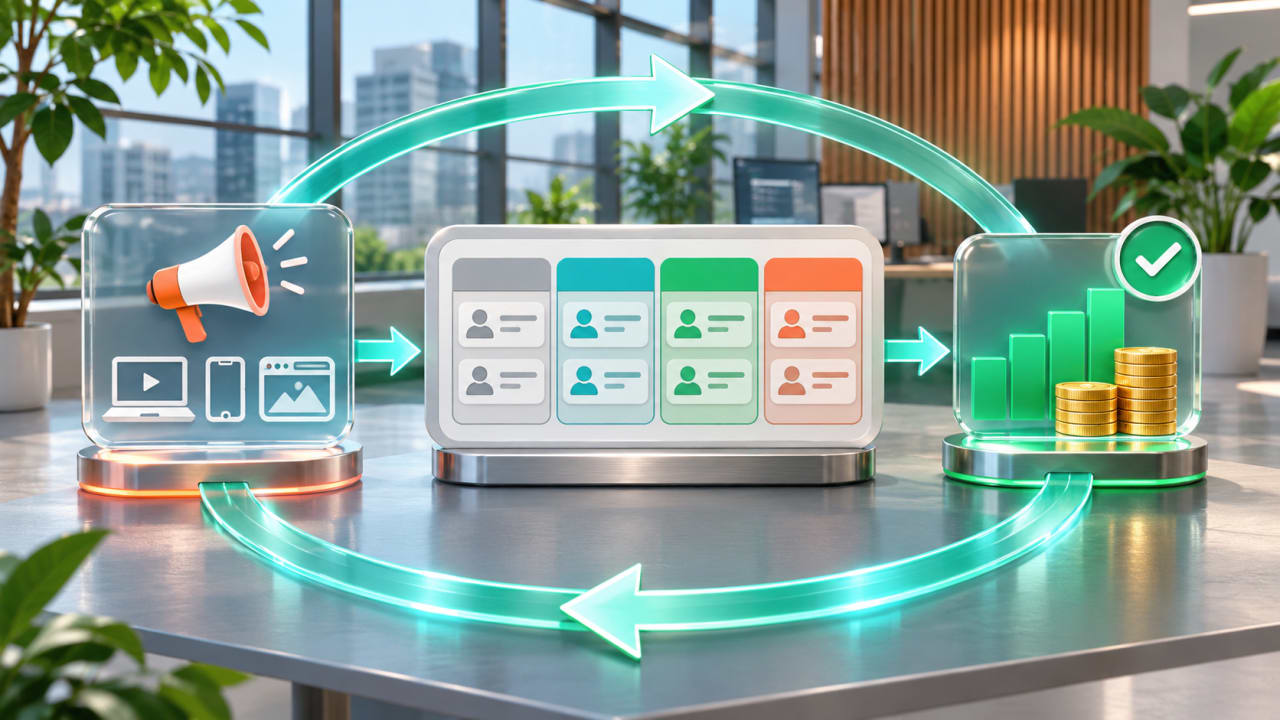
A Microsoft Advertising dashboard can show clicks and form submissions while the sales team still cannot answer the question that matters: which campaigns created qualified pipeline and revenue? The Microsoft Advertising HubSpot integration closes part of that gap by bringing ad activity, CRM contacts, audiences, lifecycle stages, and deal reporting into one operating model. The value is not the connection itself. It is the discipline to preserve tracking, define meaningful stages, secure consent, and compare media results with sales outcomes.
What changed in 2026?
Microsoft announced the HubSpot integration in its September 2026 product update. Microsoft describes three practical uses: reaching CRM audiences across its ecosystem, triggering the next sales or nurture action after a lead arrives, and connecting ad clicks with contacts and deals so teams can evaluate pipeline and revenue.
This is especially relevant for B2B and considered purchases. A cheap lead is not automatically a good lead, and a high-cost campaign may be valuable if it creates opportunities with better close rates or larger deal values. HubSpot gives the media and sales teams a shared place to inspect that journey, but it does not repair weak CRM data or an unclear sales process.
HubSpot integration and Conversions API solve different problems
These tools are complementary, not interchangeable. The HubSpot connection supports campaign reporting, audience activation, contact and deal analysis, and lifecycle-stage conversion events. Microsoft Advertising Conversions API is a server-to-server measurement route for website, app, CRM, and offline events. Read our Microsoft Advertising CAPI audit guide when the primary problem is durable event delivery, UET coexistence, identifiers, or deduplication.
| Layer | Primary job | Launch question |
|---|---|---|
| HubSpot account connection | Bring campaigns and reporting into the CRM | Are the correct individual ad accounts connected? |
| Auto-tracking | Preserve campaign and click context on visits and contacts | Do redirects and templates keep query parameters? |
| CRM audiences | Activate consented visitor or contact segments | Is the segment large, current, and legally usable? |
| Lifecycle-stage events | Send qualified downstream outcomes back to Microsoft | Are stages consistently populated and valuable? |
| CAPI and UET | Strengthen event delivery and measurement coverage | Are events deduplicated and reconciled? |
Check account architecture and permissions first
HubSpot's current connection requirements are specific. The person connecting needs Publish access to the HubSpot ads tool and Super Admin access for the individual Microsoft Advertising account. A Microsoft Entra administrator may also need to approve the application. HubSpot connects individual advertising accounts rather than a Microsoft Advertising customer account, so agencies should map every client account before authorizing anything.
- List the ad accounts, owners, currencies, time zones, and billing states.
- Use a named integration owner and a documented backup administrator.
- Connect only the accounts required for the pilot.
- Record who may publish, change tracking, create audiences, or pause data sharing.
- Define a disconnect and access-revocation procedure before launch.
Protect auto-tracking and the click trail
HubSpot's Microsoft ads tracking documentation says auto-tracking adds UTM parameters through the account-level Final URL Suffix and enables msclkid auto-tagging. Overwriting that suffix, stripping query parameters in a redirect, or using a shortener that drops parameters can break the chain between an ad click and the CRM record.
Test with a real ad URL in a staging or low-risk campaign. Follow every redirect, submit a test lead, and confirm that the contact contains the expected source and campaign context. Check Search, Shopping, Audience, Hotel, App, and Performance Max separately because tracking and reporting support differs. HubSpot currently reports Performance Max at campaign and asset-group level, not per asset, and Audience campaigns can be reportable without the same tracking support.
Design audiences from business states, not broad labels
The integration can sync website visitors and HubSpot contact segments to Microsoft Advertising. HubSpot's audience documentation notes that Microsoft audiences require at least 300 matched users and that matched size will usually be lower than the source list. Build segments around a decision the campaign can make:
- exclude current customers from acquisition campaigns;
- re-engage qualified opportunities that have gone quiet;
- separate high-value product interest from general newsletter engagement;
- create retention or cross-sell groups only where consent and policy permit;
- suppress disqualified leads so automation does not keep buying the same poor demand.
Do not upload every CRM contact because the connector makes it easy. Confirm the legal basis, retention rule, geographic scope, and fields used for matching. Name each audience with its owner, purpose, source, and refresh logic.
Choose lifecycle events that sales can defend
HubSpot can send a Microsoft Advertising conversion event when a contact changes lifecycle stage. Its conversion-event documentation says only changes after the event is created are counted, and only contacts meeting the configured sharing and consent criteria are synced. That makes a clean baseline essential.
A useful ladder might be lead, marketing-qualified lead, sales-qualified lead, opportunity, and customer, but only if each stage has an owner and an observable entry rule. Start with one or two downstream events that are frequent enough to learn from and meaningful enough to represent value. Assign monetary values only when finance and sales can explain them. A fabricated value can make automated bidding confidently optimize toward the wrong outcome.
Automate follow-up without hiding ownership
Microsoft's announcement highlights next-best actions such as assigning a representative or starting a nurture sequence. Automation should reduce response time while preserving accountability. Define the trigger, owner, service-level target, exception path, and stop condition for each workflow.
- Create the contact and preserve original source fields.
- Validate required fields, consent, geography, and obvious spam indicators.
- Route the lead by market, product, or account ownership.
- Notify the assigned person and start an appropriate nurture only when criteria are met.
- Stop acquisition or nurture steps when the lifecycle stage changes.
- Return disposition data so marketing can distinguish no response, disqualification, opportunity, and sale.
Reconcile platform, CRM, and finance reporting
Microsoft Advertising and HubSpot may calculate conversions differently. Attribution windows, event times, identity matching, consent, offline delays, currency, and stage changes can all create legitimate differences. Build a reconciliation view rather than forcing the totals to match.
Review media spend, clicks, leads, qualified leads, opportunities, customers, pipeline value, and recognized revenue by campaign. Add data-quality rates: contacts with an owner, a valid lifecycle stage, a consent state, and a source. Use the CRM to judge business progression and the ad platform to manage delivery; document which system is authoritative for each metric.
A controlled 30-day rollout
Week 1: map and validate
Inventory accounts, permissions, lifecycle definitions, consent properties, redirect behavior, naming, and current reporting. Agree on one pilot campaign and one owner from marketing, sales, and operations.
Week 2: connect and observe
Connect the minimum account set, enable tracking, run test clicks and submissions, and verify contacts, campaigns, and deal associations. Do not change bidding based on the new data yet.
Week 3: activate one audience and one event
Launch a consented segment and a defensible lifecycle-stage event. Monitor match size, sync status, lead routing, duplicates, and discrepancies daily.
Week 4: compare business outcomes
Compare the pilot with its prior baseline. Review qualified-lead rate, time to first action, opportunity rate, pipeline, and reporting completeness. Expand only after the team can explain the differences between HubSpot and Microsoft Advertising.
Launch checklist
- Individual ad accounts and permissions are verified.
- Entra approval and access ownership are documented.
- Final URL Suffix, UTMs,
msclkid, and redirects pass a test. - Audience purpose, consent, minimum size, and exclusions are approved.
- Lifecycle stages have definitions, owners, and quality checks.
- Conversion values are evidence-based.
- Sales workflows have escalation and stop rules.
- Platform, CRM, and finance reconciliation is scheduled.
- A rollback owner can pause audiences, events, or the connection.
Turn the connector into a revenue operating system
The Microsoft Advertising HubSpot integration is most useful when it changes decisions: whom to target, which leads to suppress, how quickly sales responds, and which campaigns deserve more budget. The connector is only the plumbing. Clean stages, consent, durable tracking, and a shared revenue review make it commercially useful.
Boost iT can help audit campaign structure, landing-page alignment, tracking, CRM stages, and the pilot measurement plan. Explore our performance advertising approach, then contact Boost iT to plan a controlled Microsoft Advertising and HubSpot rollout.
Subscribe
Get the latest insights and updates delivered to your inbox.
Want to implement these strategies?
Let's discuss how we can help you achieve similar results.